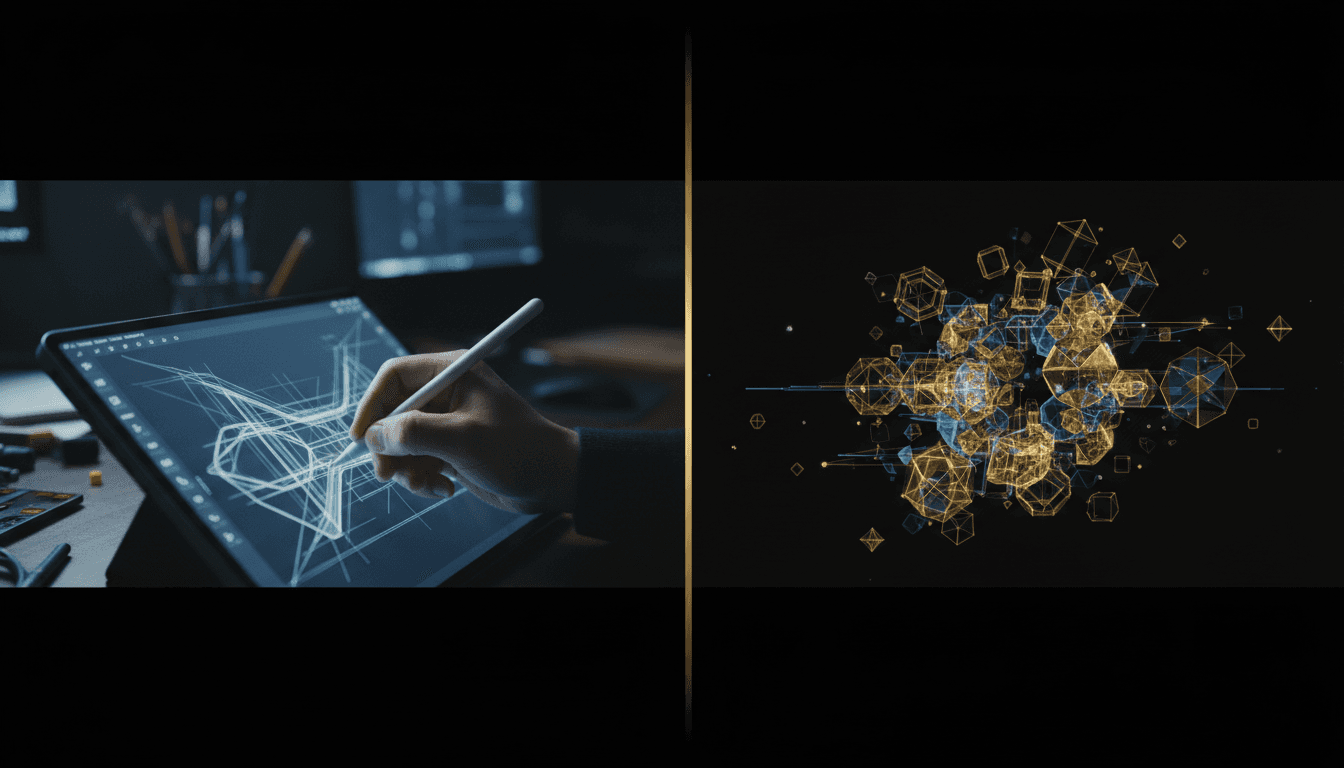
AI Carousel Generator vs. Manual Design: Which Approach Wins?
A practical comparison of AI-powered carousel generation versus manual design workflows — covering speed, consistency, creative control, cost, and when each approach makes sense.
The debate between AI-generated and manually designed carousels misses the point. Neither approach is universally better. The right choice depends on your content volume, team size, brand maturity, and where you need to spend creative energy.
This comparison breaks down both approaches across the dimensions that actually matter for marketing teams and content creators.
Speed: AI Wins Decisively
AI-Generated Carousels
From topic to exportable deck: 10 to 20 minutes. AI handles the initial layout, copy drafting, and design application. Your time goes to refinement and review.
With a brand kit and template system like Morphica's AI carousel templates, the design stage is nearly instant because brand constraints are applied automatically.
Manual Design
From topic to exportable deck: 60 to 120 minutes. This includes opening the design file, setting up slides from scratch or a Figma template, writing and formatting copy, adjusting layouts, aligning elements, and exporting.
For a single high-stakes carousel (keynote deck, campaign anchor), this time investment is justified. For weekly social content at volume, it is not sustainable.
Verdict: AI is 3-6x faster per carousel. At 2-3 carousels per week, this difference compounds to hours saved monthly.
Brand Consistency: Depends on Setup
AI-Generated
If the AI tool supports brand kits, consistency is excellent. Colors, fonts, and layout structures are applied from a stored kit, eliminating the manual matching that causes drift.
Without a brand kit, AI output is inconsistent by default — every generation may use slightly different colors or visual treatments.
Manual Design
With a well-maintained design template file, consistency is high because you are literally copying and modifying the same file. But consistency degrades when:
- Multiple designers work from slightly different template versions
- Templates are not updated as the brand evolves
- Time pressure causes designers to "freestyle" instead of following the template
Verdict: AI with a brand kit is more consistently consistent because it removes the human variability factor. Manual design is equally consistent only when template discipline is perfect.
Creative Control: Manual Design Has the Edge
AI-Generated
You control the content, the overall structure, and (through brand kits) the visual identity. But fine-grained design decisions — exact pixel positioning, custom illustrations, complex visual metaphors — are harder to achieve with AI tools.
AI is excellent for content that follows repeatable structures: educational carousels, tip lists, step-by-step guides, data summaries.
Manual Design
Full creative control over every element. You can create unique visual concepts, complex layouts, custom illustrations, and one-of-a-kind designs that no AI template can replicate.
This matters most for: brand campaigns, product launches, partnership announcements, or content where the design IS the differentiator.
Verdict: Manual design wins on creative ceiling. AI wins on creative floor — it produces reliably good output for standard content types.
Cost Per Carousel
AI-Generated
Tool subscription cost divided by output volume. If you produce 10 carousels per month with a tool that costs $20-50/month, the per-carousel cost is $2-5 in tool costs plus 15 minutes of labor.
Manual Design
Designer hourly rate multiplied by time per carousel. A designer at $50/hour spending 90 minutes per carousel produces at $75 per carousel. A freelancer might charge $100-300 per carousel as a project fee.
For companies producing 2+ carousels per week, the cost difference adds up to thousands of dollars per year.
Verdict: AI is dramatically cheaper at volume. Manual design costs are justified only for high-impact, low-frequency content.
Content Quality: Closer Than You Think
This is where the comparison gets nuanced. "Quality" in carousel content means:
Copy Quality
AI-generated first drafts require editing. The language tends to be correct but generic. Human editing adds specificity, brand voice, and the sharp opinions that make content engaging.
Manually written copy from an experienced writer is typically better out of the gate. But the gap narrows when AI drafts are treated as starting points, not finished products.
Design Quality
AI-generated designs following a brand template are clean, consistent, and professionally adequate. They will not win design awards, but they look polished and on-brand.
Manual designs from a skilled designer can be exceptional — custom illustrations, clever visual metaphors, perfect typographic balance. From a junior designer, they can actually be worse than AI output.
Strategic Quality
Neither AI nor manual design inherently produces better strategic content. Strategy comes from the brief, the topic selection, and the understanding of the audience. Both approaches execute the strategy; neither creates it.
Verdict: Quality depends more on the creator's judgment than the production method. AI produces consistently good output. Manual design has higher ceiling but more variable floor.
Scalability: AI Is Built for It
Scaling AI Production
Going from 2 carousels/week to 6 requires proportionally more planning and review time, but the generation and design time barely increases. The marginal cost of each additional carousel is nearly zero.
Scaling Manual Design
Going from 2 to 6 carousels/week requires hiring additional designers or significantly increasing existing team hours. The marginal cost of each additional carousel is significant.
Verdict: AI scales linearly with planning effort. Manual design scales linearly with headcount and budget.
When to Use AI-Generated Carousels
- Weekly social content — The bread-and-butter posts that maintain your presence
- Educational content — Tips, how-tos, frameworks, and listicles that follow repeatable structures
- Content testing — Quickly producing multiple versions to test which topics resonate
- Team content — Multiple team members producing on-brand content without a design bottleneck
- High-frequency publishing — More than 2 carousels per week across platforms
When to Use Manual Design
- Brand campaigns — Launch content where the design is the statement
- Complex visual concepts — Custom illustrations, visual metaphors, or unique layouts
- Product announcements — High-stakes content that represents the brand at its best
- Award submissions or press — Content where design quality is being explicitly judged
- One-off special projects — Events, partnerships, or collaborations that need unique treatment
The Hybrid Approach
Most teams benefit from using both approaches:
- AI for volume — Produce 80% of your carousel content using AI with brand kits for speed and consistency
- Manual for impact — Reserve 20% of your carousel budget for custom-designed pieces that push creative boundaries
This ratio gives you the consistency and efficiency of AI for daily content while preserving the creative distinction of manual design for moments that matter.
The key is recognizing which content type you are producing before choosing the approach. A Tuesday tip carousel does not need a custom Figma design. A product launch carousel does not need to be rushed through an AI template.
Building Your Workflow
If you are currently designing all carousels manually:
- Start by moving your educational and tip-based carousels to AI generation
- Set up a brand kit in Morphica to ensure consistency
- Keep campaign and announcement carousels in your manual design workflow
- After a month, compare the time savings and engagement metrics between approaches
If you are already using AI but struggling with consistency:
- Invest time in building a proper brand kit with reference images and color definitions
- Create prompt templates for each recurring carousel type
- Add a review step where you check AI output against your brand standards before publishing
The goal is not to choose one approach forever. It is to match the right tool to the right content type and adjust as your needs evolve.