Your brand, carried through
Reuse your exact logo, colors, fonts, and visual direction across every slide.
LinkedIn carousel generator
Structure thought leadership, product narratives, and educational posts into a clear LinkedIn deck. Morphica keeps the narrative editable and the visual system consistent from the first slide to the last.

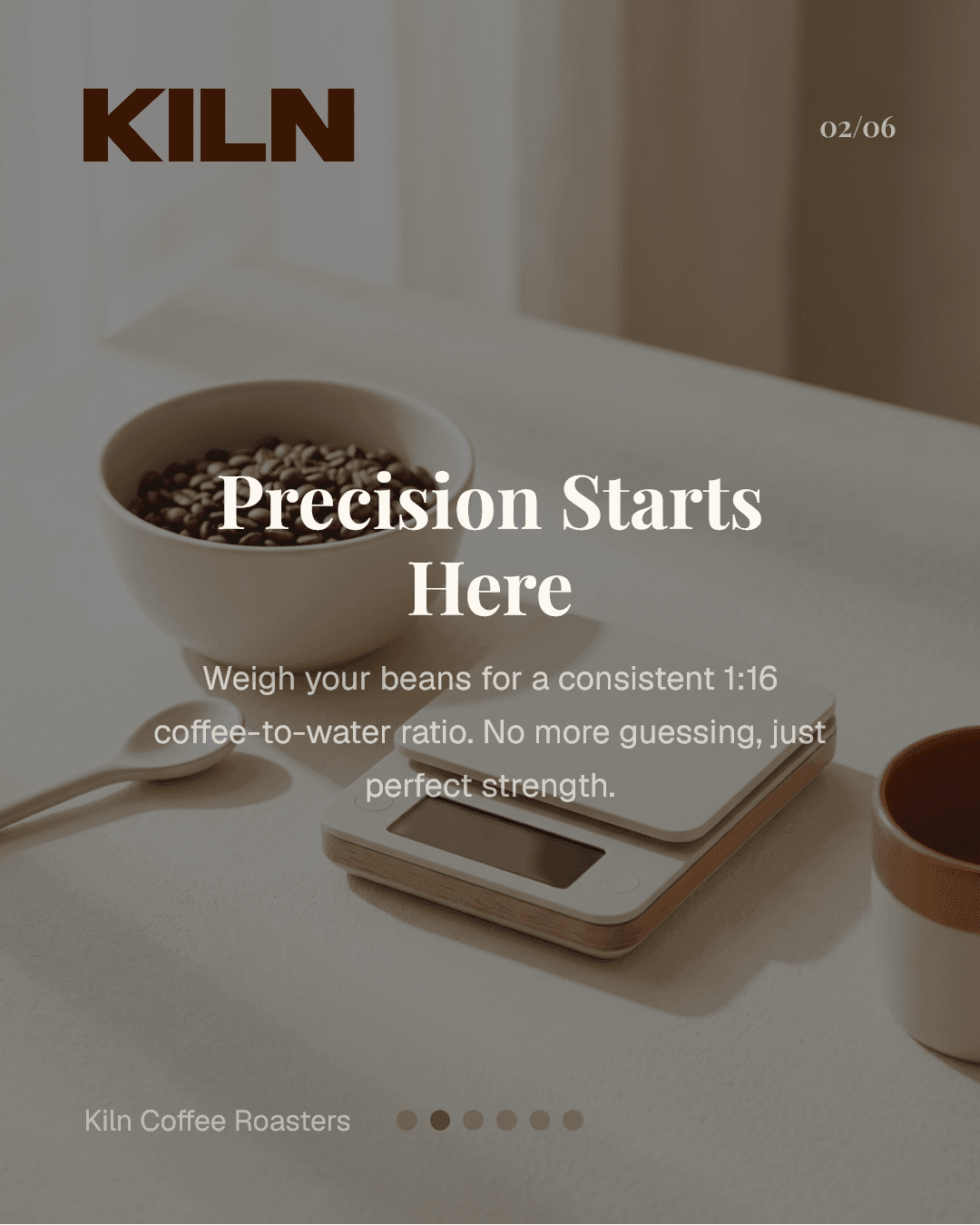
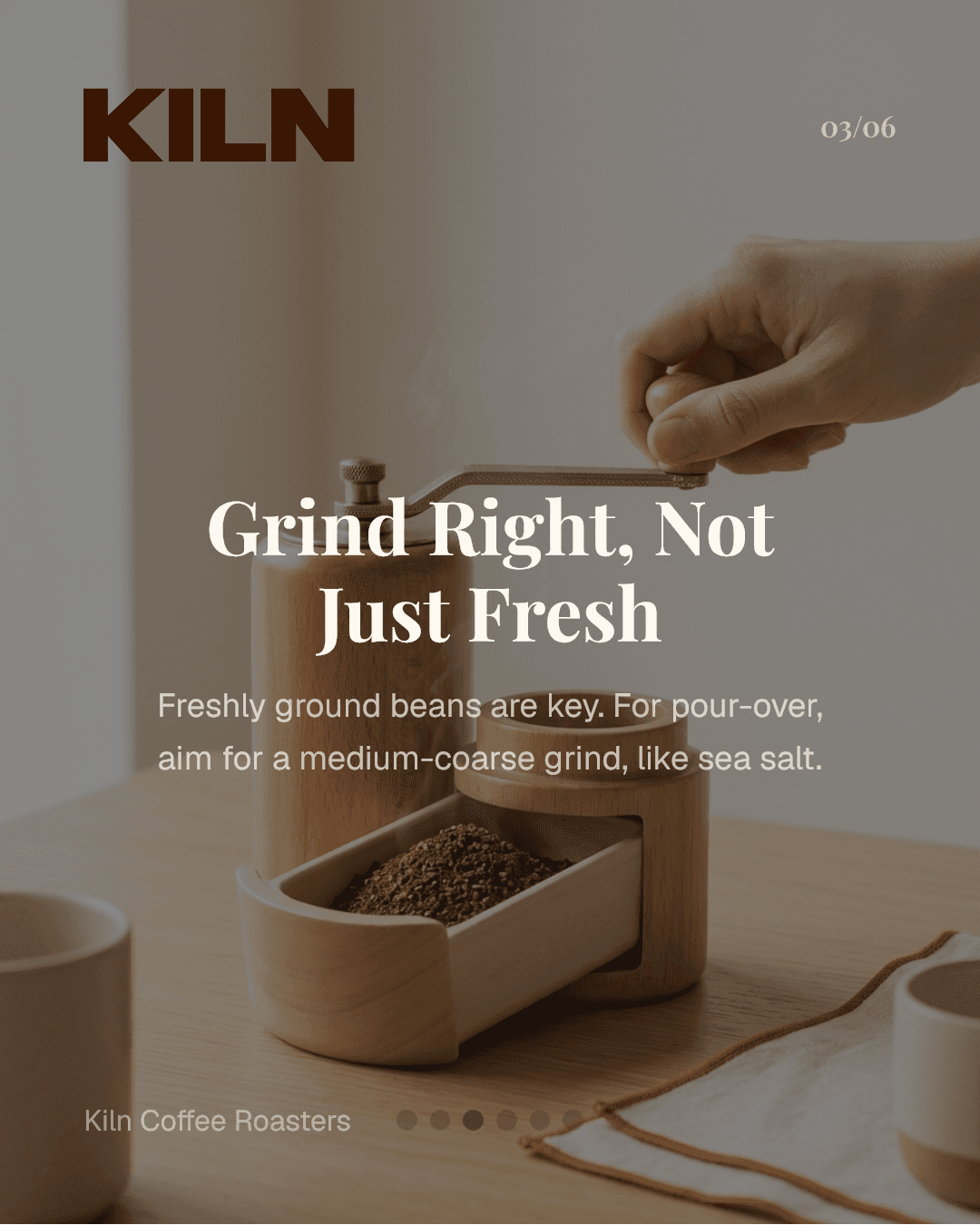
Reuse your exact logo, colors, fonts, and visual direction across every slide.
Start with a topic and let Morphica structure the hook, pacing, and call to action.
Refine individual slides, export at platform-ready dimensions, and keep the workflow repeatable.
LinkedIn rewards clarity. Morphica helps you break complex topics into slide-level messages so your audience can scan quickly and retain key points. Instead of creating layouts manually each time, you begin with a topic and shape the sequence around outcome-driven storytelling.
This workflow is useful for consultants, founders, and operators who need frequent publishing without sacrificing quality. You can align tone to audience type, keep formatting consistent, and iterate faster after performance feedback.
When your process is repeatable, performance improves over time. Create, measure, refine, and publish again using the same framework.
Strong LinkedIn carousels use a clear first-slide hook, one core idea per slide, and a final CTA that encourages saves or comments.
For most topics, 6 to 10 slides is a good starting point. Keep the sequence concise and avoid overloading individual slides.
Yes. Morphica supports storytelling, educational, and product-focused formats so you can adapt the structure to your objective.
Yes. You can maintain brand consistency using reusable visual settings, typography choices, and design templates.
Yes. You can revise copy flow, style, and sequencing rapidly, which helps improve post quality over repeated publishing cycles.
Turn one topic into a publish-ready deck in minutes.